
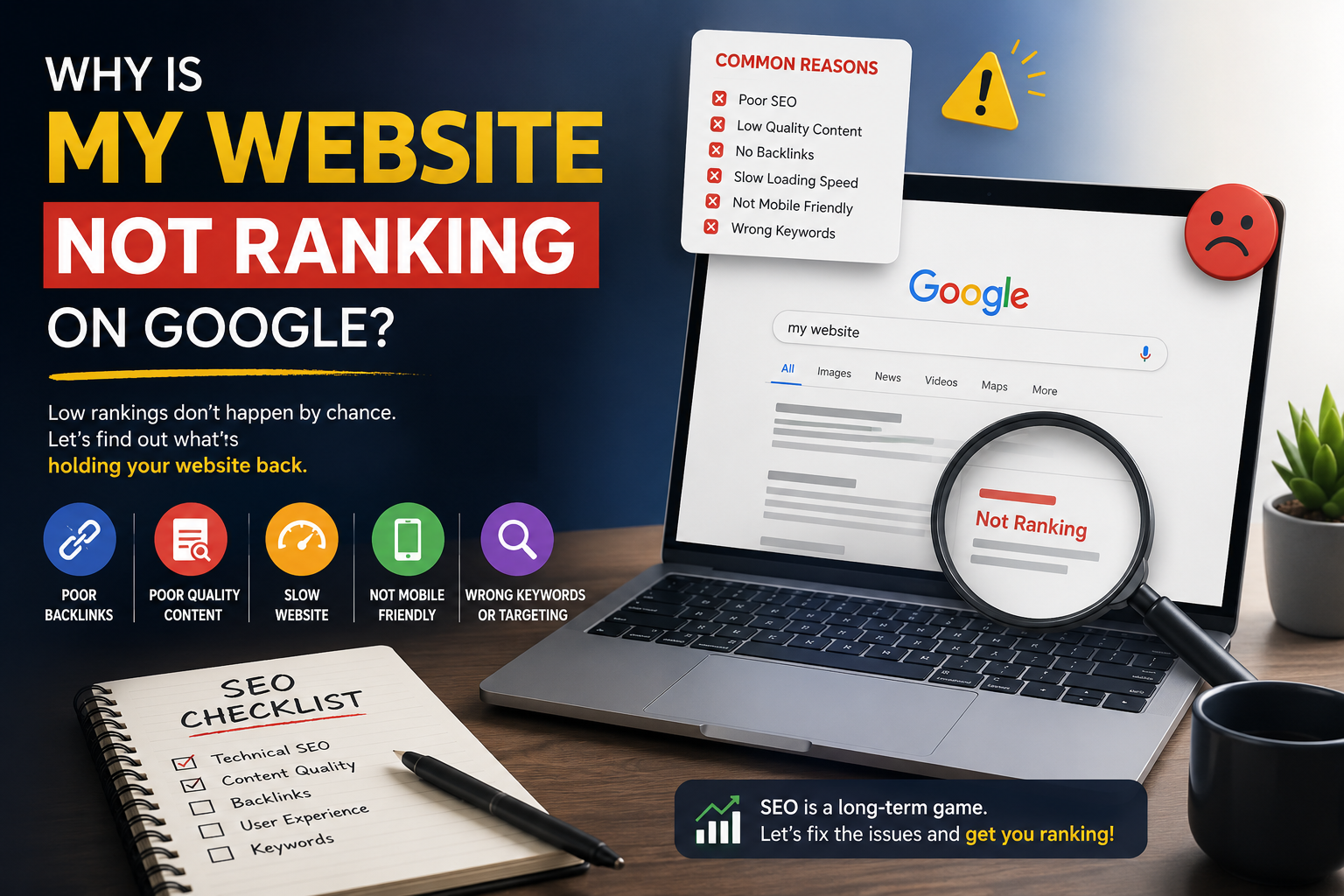
You’ve built a sleek website, published insightful articles or launched compelling product pages, and waited for the organic floodgates to open. Yet, when you check Google, your pages are nowhere to be found.
When a website fails to rank on Google, it is rarely due to a single flaw; rather, it is usually the result of underlying technical blocks, a mismatch with search intent, or weak domain authority. Resolving these visibility hurdles requires a systematic audit—checking your index status in Google Search Console, optimizing your content depth, speeding up page load times, and securing quality backlinks
It is one of the most frustrating experiences in digital marketing. You know your content is valuable, but the traffic meter remains flat. Why is your website not ranking on Google?
The reality is that search engine optimization (SEO) is a complex interplay of technical health, content relevance, and domain authority. If you aren’t ranking, it isn’t because Google has a personal vendetta against your brand; it’s usually because of specific technical blocks or strategic misalignments.
Let’s break down the most common reasons your website isn’t ranking on Google and, more importantly, how you can fix them.
1. Indexing and Crawling Issues: The Invisible Barrier
Before Google can rank your website, it has to find it, read it, and add it to its index. If your pages are blocked at the gate, nothing else you do will matter.
The Problem
Accidental Noindex Tags: A developer (or a stray checkbox during setup) may have left a noindex meta tag in your site’s header, explicitly telling search engines to ignore the page.
Robots.txt Blocks: Your robots.txt file might be misconfigured, blocking Googlebot from crawling critical folders or pages.
New Website Youth: If your domain is brand new, Google simply hasn’t discovered or built trust with it yet.
The Fix
Run a Site Search: Go to Google and type site:yourdomain.com. If nothing appears, your site isn’t indexed.
Use Google Search Console: Paste your URL into the URL Inspection tool. It will tell you explicitly if Google has indexed the page or why it failed.
Audit Your Files: Check your robots.txt file to ensure it isn’t blocking important content, and remove any unintentional noindex tags. Submit an updated XML sitemap through Google Search Console
2. A Mismatch in Search Intent
Google’s ultimate goal is to satisfy the user. When someone types a query into the search bar, Google evaluates what kind of information they want to see.
The Problem
If you are trying to sell a product using a page optimized for an informational query—or vice versa—you will struggle to rank. For example, if users are searching for “how to choose a running shoe” (informational intent), Google will serve guides and blog posts. If your page is a rigid product category page trying to rank for that phrase, it will likely fail because it misses the intent.
The Fix
Analyze the SERP: Type your target keyword into an incognito window and look at the top three to five results. Are they blog posts, category pages, e-commerce product listings, or comparison tools?
Adapt Your Format: Match the format of what is currently winning. If Google rewards comprehensive guides, restructure your content into an in-depth, step-by-step resource.
3. Targeting Keywords That Are Too Competitive
One of the most common pitfalls for newer websites is swinging too big, too fast.
The Problem
If you run a local boutique and try to rank for a broad keyword like “perfume” or “digital marketing,” you are competing against multinational giants with massive domain authority and thousands of backlinks. Without an established track record, breaking into the top positions for high-volume, highly competitive keywords is nearly impossible.
The Fix
Pivot to Long-Tail Keywords: Focus on specific, multi-word phrases that reflect lower competition and higher purchase intent. Instead of targeting “digital marketing course,” try “advanced digital marketing classes for working professionals in Kalyan.”
Build Momentum: Build authority on niche, long-tail terms first, allowing your site to gradually accumulate the trust signals needed to tackle broader keywords later.
4. Weak On-Page SEO and Thin Content
Google’s algorithms rely heavily on textual context to understand what a page is about. If your on-page elements are poorly optimized, Google will look right past you.
The Problem
Missing or Unoptimized Meta Tags: Leaving title tags blank, stuffing them with keywords, or writing unengaging meta descriptions hurts click-through rates.
Thin Content: Pages with only a couple of hundred words of superficial text fail to provide genuine value.
Keyword Stuffing: Unnaturally repeating your target keyword a dozen times makes your text unreadable and triggers algorithmic penalties.
The Fix
Craft Compelling Title Tags: Keep your primary keyword near the front of your title tag and stay under 60 characters.
Expand Content Depth: Thoroughly answer sub-questions your audience might have. Use clear headings (H1, H2, H3) to structure your text logically.
Write Naturally: Write for humans first and search engines second. Use synonyms and semantic phrasing to give Google full context.
5. Technical Pitfalls and Poor User Experience (UX)
Craft Compelling Title Tags: Keep your primary keyword near the front of your title tag and stay under 60 characters.
Expand Content Depth: Thoroughly answer sub-questions your audience might have. Use clear headings (H1, H2, H3) to structure your text logically.
Write Naturally: Write for humans first and search engines second. Use synonyms and semantic phrasing to give Google full context.
The Fix
Run a Speed Audit: Use tools like Google PageSpeed Insights. Compress large images, leverage browser caching, and upgrade your hosting if necessary.
Optimize for Mobile: Test your site across multiple devices to ensure seamless navigation, readable font sizes, and appropriately spaced tap targets.
6. A Weak or Non-Existent Backlink Profile
Backlinks function as digital votes of confidence. When authoritative websites link to your content, they signal to Google that your site is trustworthy and credible.
The Problem
If your backlink profile is completely empty—or worse, filled with spammy, low-quality links bought from disreputable sources—Google will struggle to view your domain as an authority in your industry.
The Fix
Create Linkable Assets: Publish original research, data-driven insights, or comprehensive visual guides that industry peers naturally want to reference and link to.
Engage in Ethical Outreach: Reach out to industry blogs, partners, and media outlets to share your expertise and secure legitimate, contextual links.
Strengthen Internal Linking: Pass authority from your strongest pages to your newer or underperforming pages using clear, descriptive anchor text.
Final Thoughts: Patience is Part of the Process
SEO is a marathon, not a sprint. If you have fixed your technical errors, aligned your content with search intent, and optimized your pages, time is often the final missing ingredient. It frequently takes weeks—or even several months—for Google to fully recognize your improvements and adjust your positions accordingly.
Take a systematic approach: audit your site through Google Search Console, address foundational issues one by one, and consistently deliver value to your audience. The rankings will follow.