
Introduction: Winning the Local Search Game
If you run a local business—whether it is a boutique store, a multi-specialty medical clinic, a digital marketing training center, or a specialized trade service—showing up when nearby customers search for your offerings is a matter of survival. When someone types “best digital marketing course near me,” “dental clinic open now,” or looks for a specialized provider on their smartphone, they are not browsing casually. They have high intent, urgent needs, and their credit card or phone is already within reach.
The gateway to capturing this high-intent local traffic is your Google Business Profile (GBP) (formerly Google My Business).
Appearing in the coveted Local Pack (the top three map results displayed on Google Search and Google Maps) can instantly transform your inbound lead pipeline. However, simply creating a profile and adding your phone number is no longer enough. With local algorithms growing more sophisticated, and AI-driven search tools prioritizing verified clarity and relevance, optimizing your Google Business Profile requires a systematic, ongoing strategy.
This comprehensive guide explores how to fully optimize your Google Business Profile to dominate local search results, build immediate trust, and convert map browsers into paying customers.
Part 1: Why Google Business Profile is the Core of Local SEO
Before diving into optimization tactics, it helps to understand why GBP holds supreme power in local digital marketing.
Nearly half of all Google searches carry local intent. When users perform these searches, Google’s local ranking algorithm relies heavily on three core pillars:
Relevance: How well your profile matches what the user is searching for (governed by your categories, services, and description).
Distance: How close your physical location (or defined service area) is to the person executing the search.
Prominence: How well-known and trusted your business is, measured through reviews, link profiles, and behavioral data.
Crucially, modern search platforms treat Google Business Profiles like mini-websites. Users frequently complete their entire decision-making journey—checking operating hours, scanning photos, reading client reviews, clicking-to-call, or messaging directly—without ever clicking through to your main website. Optimizing your profile ensures you capture these micro-moments.
Part 2: Step-by-Step Google Business Profile Optimization Blueprint
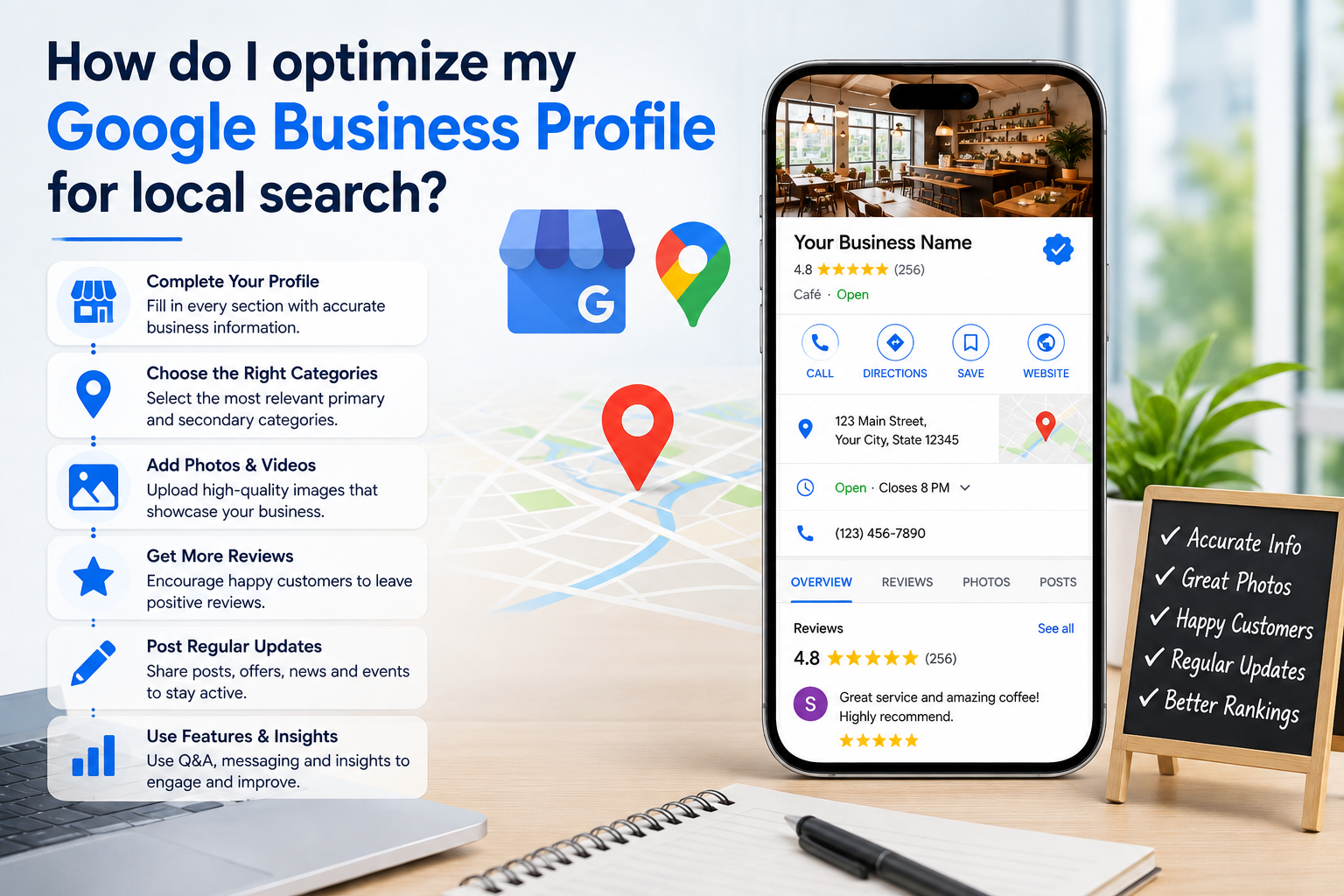
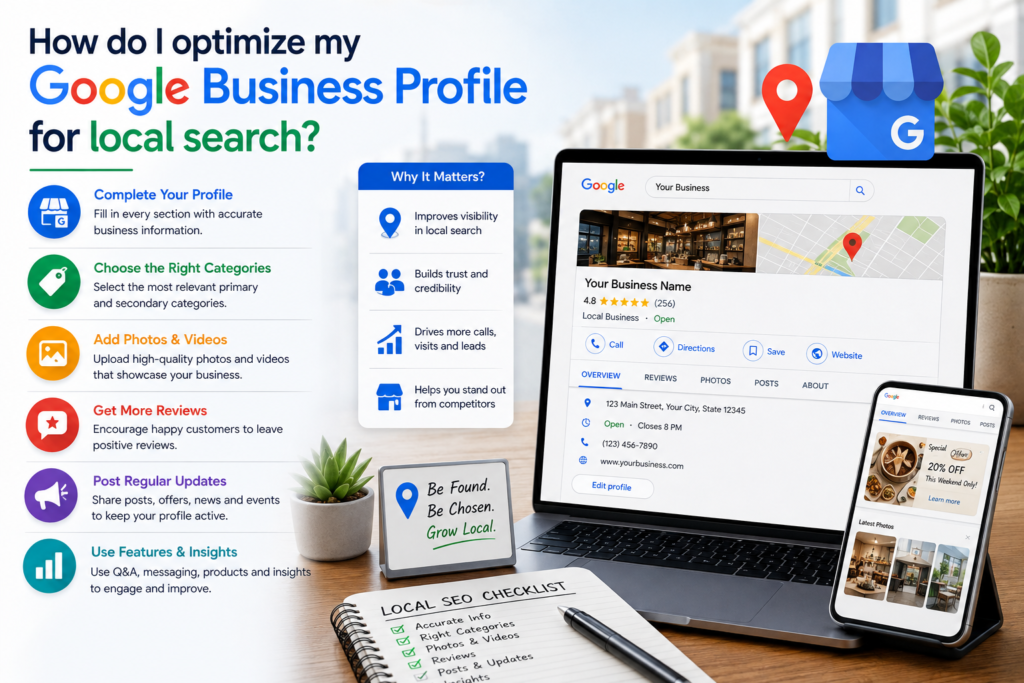
To maximize your local search visibility, work your way through this comprehensive optimization checklist:
+-------------------------------------------------------------+
|               GBP OPTIMIZATION CHECKLIST                    |
+-------------------------------------------------------------+
| [ ] Step 1: Claim, Verify, and Lock Down Core NAP Details   |
| [ ] Step 2: Master Primary and Secondary Categories         |
| [ ] Step 3: Write a Strategic, Keyword-Rich Description     |
| [ ] Step 4: Build Out Comprehensive Products & Services     |
| [ ] Step 5: Implement a Systematic Review Acquisition Loop  |
| [ ] Step 6: Publish Weekly Updates and High-Intent Media    |
+-------------------------------------------------------------+
Step 1: Claim, Verify, and Lock Down Core NAP Details
Your foundational data must be pristine. Your NAP (Name, Address, Phone Number) must be 100% consistent across your website, your Google Business Profile, and all external citations (such as local business directories).
Business Name: Use your exact legal and commercial business name. Do not keyword-stuff your business name (e.g., writing “City Best Digital Marketing Agency & SEO Training Kalyan” when your registered name is “Younick Mind”). Google aggressively flags and suspends profiles that violate naming guidelines.
Address and Location Signals: Ensure your physical address matches your storefront or office signage. If you operate a service-area business (SAB) that visits clients directly rather than hosting them on-site, hide your residential address and define clear target service radiuses.
Operating Hours: Keep your hours meticulously updated, including holiday hours. A single customer visiting a closed storefront due to outdated Google hours creates instant friction and negative sentiment.
Step 2: Master Primary and Secondary Categories
Your choice of categories is arguably the single most impactful ranking factor on your entire profile. Categories tell Google’s algorithm precisely what your business entity represents.
Primary Category Selection: Choose the category that defines your core offering. If you are a specialized training institute, choose “Digital Marketing Training Institute” rather than a broad term like “Educational Institution”. Spend time researching competitor categories to see what top-ranking rivals use.
Strategic Secondary Categories: Add relevant subcategories to capture auxiliary search queries. For example, a digital marketing agency might add secondary categories like “Internet Marketing Service,” “Advertising Agency,” and “Consultant.” Review your categories quarterly, as Google frequently introduces new options
Your foundational data must be pristine. Your NAP (Name, Address, Phone Number) must be 100% consistent across your website, your Google Business Profile, and all external citations (such as local business directories).
Business Name: Use your exact legal and commercial business name. Do not keyword-stuff your business name (e.g., writing “City Best Digital Marketing Agency & SEO Training Kalyan” when your registered name is “Younick Mind”). Google aggressively flags and suspends profiles that violate naming guidelines.
Address and Location Signals: Ensure your physical address matches your storefront or office signage. If you operate a service-area business (SAB) that visits clients directly rather than hosting them on-site, hide your residential address and define clear target service radiuses.
Operating Hours: Keep your hours meticulously updated, including holiday hours. A single customer visiting a closed storefront due to outdated Google hours creates instant friction and negative sentiment.
Step 3: Write a Keyword-Rich, Human-Friendly Description
You have up to 750 characters to craft your business description. Treat this space as your digital elevator pitch, blending natural readability with targeted local keywords.
Incorporate Local Intent: Naturally weave in your core services and primary geographic service areas within the first few sentences.
Avoid Keyword Stuffing: Do not list random strings of comma-separated cities and keywords. Write clearly for human readers; Google’s natural language processing easily parses intent from well-structured sentences.
Step 4: Build Out Detailed Products and Services
Do not leave your product and service tabs blank. Each item added acts as an optimized mini-landing page within your profile, giving Google more contextual data to match your listing with long-tail search queries.
List Specific Offerings: Break down broad categories into distinct services. If you manage Google Ads campaigns, list individual entries for “Google Ads Management,” “PPC Audit Services,” and “Performance Max Setup.”
Include Pricing and Descriptions: Whenever applicable, add clear descriptions, pricing models, or booking links to reduce friction and shorten the user journey to conversion.
Step 5: Implement a Systematic Review Acquisition Loop
Customer reviews act as both a primary trust signal for consumers and a massive ranking booster for the local algorithm. Google weighs review quantity, frequency (velocity), star rating, and the specific keywords used inside review text.
Automate Post-Service Outreach: Do not rely on passive hope. Send a direct review link via WhatsApp or email shortly after completing a service or closing a sale.
Encourage Descriptive Feedback: Politely encourage clients to mention what specific service they received (e.g., “Great experience completing the advanced SEO training course”). These keywords heavily reinforce your local relevance.
Respond to Every Review: Reply promptly to both positive and negative feedback. Thoughtful, professional responses to criticism demonstrate accountability and build immense trust with prospective clients reading your profile.
Step 6: Publish Weekly Updates and High-Intent Media
An inactive profile signals stagnation. Regularly feeding fresh data into your dashboard proves to Google that your business is thriving in the real world.
GBP Posts: Publish weekly updates featuring new blog posts, seasonal offers, product launches, or client success stories.
Geo-Relevant Photos & Videos: Upload authentic, high-resolution images of your team, workspace, storefront, or completed projects on a monthly basis. Avoid generic stock photography. Profiles featuring fresh visual assets consistently generate higher requests for driving directions and website clicks.
Proactive Q&A Seeding: Do not wait for customers to ask questions. Populate your own Q&A section with frequently asked questions regarding parking, pricing, appointment booking, and operating procedures.
Part 3: Advanced Local SEO Strategies for Maximum Visibility
Once you have mastered the foundational setup, leverage these advanced techniques to edge out your local competitors:
1. Website and Landing Page Alignment
Your Google Business Profile does not live in isolation; it points back to your website. Ensure the landing page linked to your GBP features strong local signals, including your NAP in the footer, localized schema markup (LocalBusiness structured data), and content tailored to your geographic service area.
2. Building Local Citations
Consistency is key. Build citations (listings of your business name, address, and phone number) across reputable regional and industry-specific directories (such as Apple Maps, Bing Places, Justdial, and Sulekha). These external mentions validate your business identity in the eyes of search crawlers.
3. Monitoring Behavioral Signals
Google heavily evaluates user engagement metrics—such as whether searchers click-to-call, request directions, or immediately bounce back to search results. Keep your profile accurate and engaging to ensure users stay on your listing and take positive action.
Conclusion: Make Optimization an Ongoing Habit
Optimizing your Google Business Profile is not a one-time project you can check off and forget; it is an active digital storefront that requires continuous maintenance.
Set a recurring calendar reminder to log into your GBP dashboard monthly. Check for unauthorized user edits, respond to fresh reviews, upload new project photos, and publish an updated offer. By keeping your profile accurate, review-rich, and actively managed, you will secure your position at the top of local search results and turn nearby searchers into loyal, long-term customers.
Frequently Asked Questions (FAQ)
Can I manage multiple Google Business Profile locations from one account?
Yes. If your business operates multiple branches or service outlets, you can manage them all under a single Google Business Profile manager dashboard. However, each individual location requires its own unique, verified physical or service-area setup and distinct local citations.
Why did my Google Business Profile get suspended?
The most common triggers for profile suspension include using keyword-stuffed business names, changing your address too drastically, operating out of an unverified virtual office or P.O. Box, or creating duplicate listings for the same entity. Always adhere strictly to Google’s guidelines and use your exact legal business name.
How long does it take to see ranking improvements after optimizing my GBP?
While some technical fixes (like updating categories or adding services) can result in visibility shifts within a few days, building sustainable local authority—particularly accumulating review velocity and climbing competitive Map Pack rankings—typically takes anywhere from 30 to 90 days of consistent optimization.